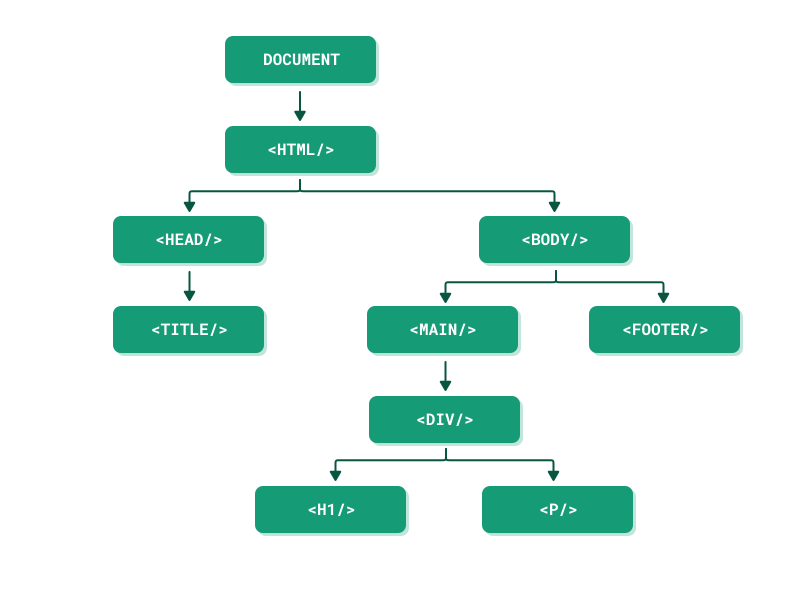
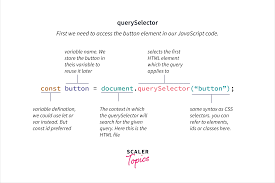
document.querySelector() lets you select an HTML element using CSS selectors (like #id, .class, or tag).
Once selected, you can change its content, style, or attributes with JavaScript.
When to Use querySelector
You want to change or read a specific element's text, style, or content.
You're adding interactivity (like reacting to button clicks or form input).
You need to update parts of a page dynamically without reloading.
You want to select elements using flexible CSS-style rules.
When Not to Use querySelector
You need multiple elements → use querySelectorAll().
You're selecting by ID only → getElementById() is faster and simpler.
You're calling it repeatedly → store it in a variable instead.
The element hasn't loaded yet → move your script to the bottom of the or use DOMContentLoaded.
You need a live collection (that updates automatically) → use getElementsByClassName() or getElementsByTagName().
You must support very old browsers (like IE8) → use older DOM methods.